Introduction
In today’s fast-paced business world, networking is key to building professional relationships. Business cards remain a timeless tool for exchanging contact details. But, keeping track of physical cards can be a hassle. Business card reader apps are designed to digitize your paper cards into easily manageable, searchable contact data. With your phone always in hand, scanning business cards has never been more accessible or convenient. Whether you’re at a networking event or meeting a client for coffee, using your phone to digitize business cards is a fast, efficient way to stay organized.
In this blog post, you’ll discover the top reasons why you need a business card reader for your phone. You’ll read-about the key features to look for and our pick for the top business card reader for your phone. Further, you’ll learn how a business card reader can help you streamline your networking and contact management through.
2. Why You Need a Top Business Card Reader App for Your Phone
We all know that time is our most important resource, especially in an age where efficiency is everything. Thus, having a business card reader app on your phone is not just a convenience. Gone are the days of carrying around stacks of business cards or struggling to remember where you put a particular contact’s card. With your phone always at hand, you can easily scan and store business cards on-the-go, making it simpler to organize and retrieve contacts whenever you need them.
Time is a critical factor in business. And, a business card reader app saves you plenty of time. By using your phone’s camera to scan cards, you can instantly capture contact information and automatically store it digitally, eliminating the need for manual data entry. This not only saves time but also reduces the chances of errors. Also, it ensures that the details you capture are accurate and complete.
Once scanned, your contacts are neatly categorized and searchable within the app. Thus, it is easy to find the right person in just a few taps. This kind of organization is crucial for professionals who handle numerous contacts, allowing you to sort by categories, companies, or even tags that you can add for better context. Moreover, many of these apps integrate seamlessly with CRM systems and other productivity tools. With a simple scan, you can push data directly from your phone to your CRM. Doing so ensures that every lead is tracked and followed up on promptly.
A business card reader app turns your phone into a powerful networking tool. It will help you streamline contact management while keeping everything organized and easily accessible.
3. The Impact of a Business Card Reader App on Professional Networking
In the fast-paced world of professional networking, time and organization are essential. A business card reader app on your phone can significantly enhance how you connect, follow up, and manage contacts. With your phone always within reach, you can instantly scan business cards as you meet new people, ensuring you never lose a potential lead or important connection. This ease of access means eliminating time spent manually entering contact information or sorting through piles of cards. You can, instead, focus on building meaningful relationships and following up in real-time.
The impact on your follow-up process is one of the greatest advantages of having a business card reader app on your phone. As soon as a card is scanned, the contact details are saved and ready for immediate action. Whether you’re sending a follow-up email, scheduling a call, or connecting on LinkedIn, you can do it all from your phone within minutes of meeting someone. This kind of speed and efficiency not only helps you stay organized but also leaves a positive impression. Timely follow-ups are a sign of professionalism.
Furthermore, with all your contacts stored digitally, your phone becomes a hub for managing and retrieving information whenever you need it. Whether you’re at another event, traveling, or working remotely, having access to your phone allows you to make connections and maintain relationships no matter where you are. In the end, a business card reader app simplifies the entire networking process. It actually makes your phone an invaluable tool for building and maintaining professional connections.
4. Key Features to Look for in a Business Card Reader App for Your Phone
Not all business card reader apps are created equal. When choosing the right one for you, there are a few key features that can make all the difference in usability and efficiency:
- Accuracy of OCR (Optical Character Recognition)
The main purpose of the app is to capture information from business cards. Your phone’s camera, combined with high-quality OCR technology, ensures precise data capture, avoiding manual corrections and saving you time.
- Cloud Synchronization
Look for an app that syncs your contacts across devices. This way, your business card data isn’t just stored on your phone, but can also be accessed from your computer or tablet. Doing so will ensure you never lose important contacts.
- Integration with CRM (Customer Relationship Management) & Email Systems
Seamlessly transferring contact details from your phone to your CRM or email systems makes following up very easy. Whether you’re using HubSpot, Salesforce, or any other system, integration is a must for smooth workflow management.
- Custom Tags & Notes
Being able to categorize contacts and add notes directly from your phone helps you remember important details about each person. Whether it’s their job role, a project you discussed, or a follow-up task, these notes help keep your networking organized.
- Cross-Platform Compatibility
Make sure the app works across Android, iOS and other devices. That way, you can access it no matter which phone you’re using, and even switch devices without hassle.
- Secure Data Storage & Privacy
Privacy is key when it comes to storing contact information. Look for an app that offers encrypted storage and complies with US Data Privacy Laws to protect your sensitive data.
- Offline Mode
Whether you’re on a plane, in a remote area, or at an event with poor signal, having an app that allows you to scan and store business card data on your phone. In fact, you don’t even need internet connection to ensure you never miss an opportunity.
- Contact Management & Searchability
Easily organizing business cards into folders or categories on your phone makes finding contacts simple and efficient. Thus, you are able to pull up the right information whenever you need it.
- Automated Messages
While personalizing follow-ups is always recommended, sometimes you may want to send quick, automated messages. Send promotional content or special offers, directly from your phone to multiple contacts at once.
5. Introducing OnSpot Social’s Top Business Card Reader App for Your Phone
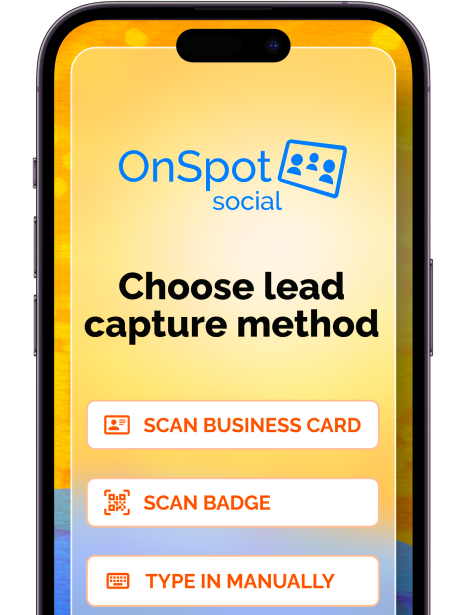
Now that we’ve covered the essential features of a business card reader app, it’s time to introduce a solution that checks all these boxes and more. OnSpot Social is designed with both convenience and functionality in mind. It offers a wide range of features that will streamline your networking efforts and boost productivity.
- Seamless Integration with CRM Systems
With OnSpot Social, you can quickly capture leads and sync contact data from your phone to your CRM system. Whether it’s Salesforce, HubSpot, or another platform, you can ensure your entire sales or marketing team has immediate access to new contacts.
- Lead Collection at Events
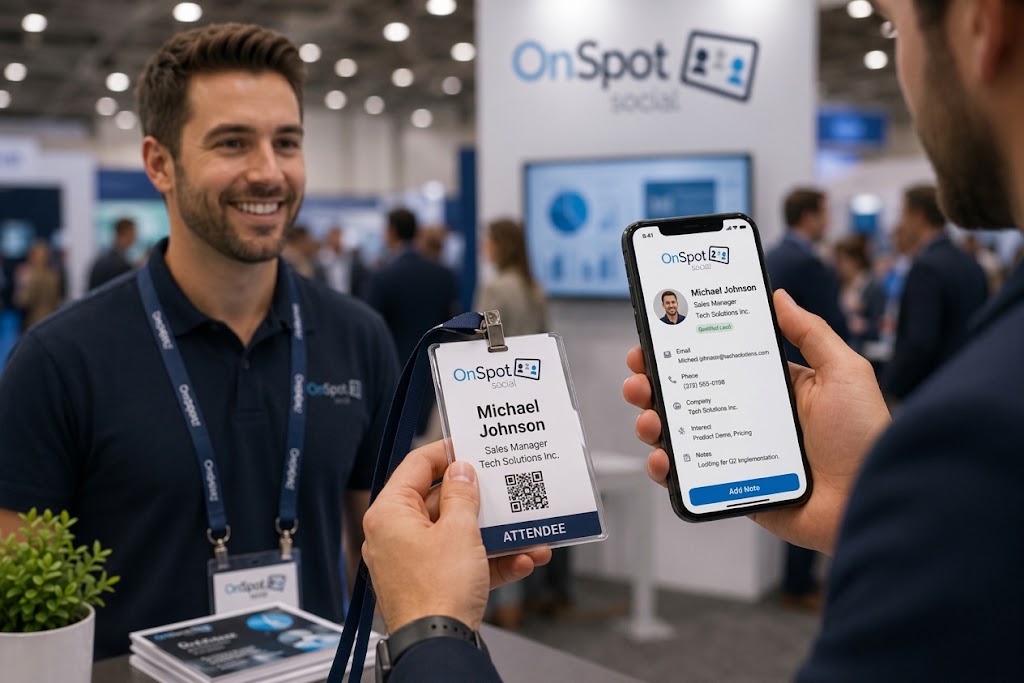
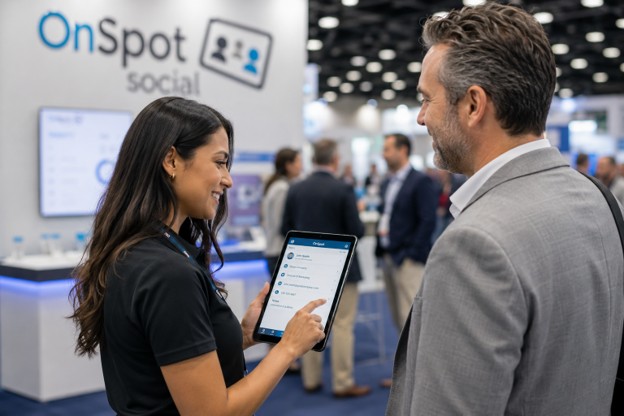
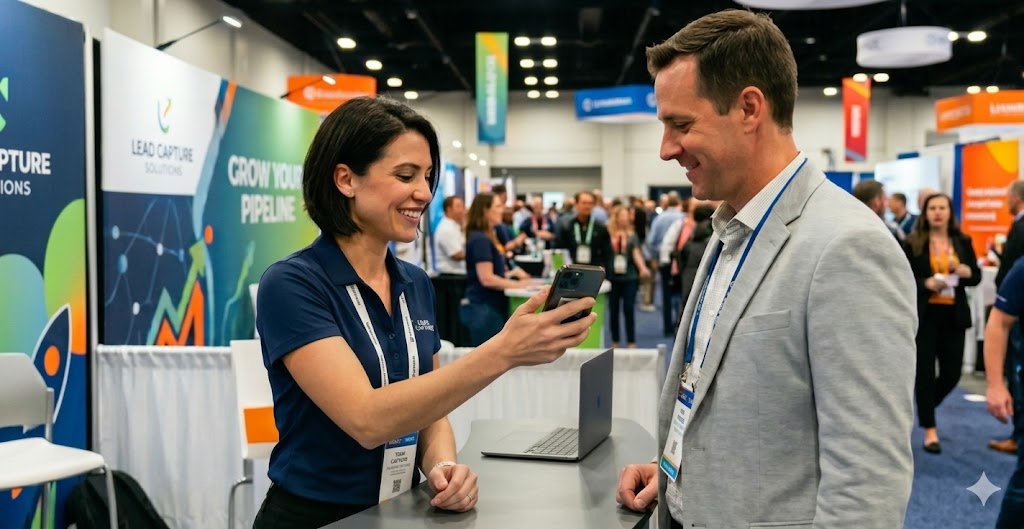
Whether you’re at a trade show, conference, or business meeting, use your phone to scan and organize business cards in real-time. OnSpot Social’s app ensures that you never miss a lead and can easily manage all collected data on-the-go.
- Customizable Workflows
OnSpot Social allows you to create personalized workflows. You can tailor the app’s scanning, saving, and follow-up process to match your unique sales or networking strategy.
- Real-Time Syncing Across Devices
With OnSpot Social, your scanned business card information is instantly synced across all your devices. Whether it’s your phone, desktop, or tablet your data is always up to date and accessible.
- In-App Note-Taking & Custom Tags
Easily add personal notes and tags directly to contacts through the app on your phone. This helps you keep track of key details. Easily access info such as where you met someone or what you discussed, making follow-ups more personalized and relevant.
- Robust Analytics & Reporting
OnSpot Social provides valuable insights into how many contacts you’ve scanned, the quality of the leads, and other useful metrics. This helps you track your networking efforts and measure success.
- User-Friendly Interface
One of the standout features of OnSpot Social is its intuitive design. This app makes it easy for users of all technical skill levels to scan, save, and manage contacts with minimal effort.
- In-app Gaming, Contests, & Surveys
OnSpot Social goes beyond just business card scanning—it offers interactive features like gaming, contests, and surveys, making it a versatile tool for engaging with leads and customers during events.
- Social Media Connection
Instantly connect with new contacts via social media platforms directly from your phone, adding another layer of connectivity to your networking efforts.
- Competitive Pricing and Free Trial
OnSpot Social not only offers all these powerful features but also does so at a competitive price. With flexible pricing options and a free trial available, it’s the perfect solution for businesses of all sizes looking to enhance their networking game.
Conclusion
In today’s fast-paced, tech-driven world, having a business card reader app on your phone is no longer a luxury—it’s a necessity. The ability to quickly scan, organize, and follow up with new contacts on-the-go gives you a significant advantage in both networking and lead management.
OnSpot Social’s business card reader app not only provides all the essential features you need but goes a step further with advanced tools like CRM integration, real-time syncing, and customizable workflows—all designed to work seamlessly from your phone. Whether you’re attending a trade show or simply collecting contacts at a meeting, this app streamlines your networking efforts and helps you stay organized and efficient.
Ready to transform the way you manage business cards? Try OnSpot Social’s business card reader app on your phone today with a free trial, and experience how easy it can be to stay connected and on top of your network.
FAQ
The best app combines accuracy with integration. OnSpot Social is a top choice because it offers high-precision OCR (Optical Character Recognition), seamless CRM integration (with HubSpot, Salesforce, etc.), and works across both iOS and Android devices, making it a complete solution for professionals.
It removes the friction of manual data entry. By instantly digitizing contacts, you can focus on the conversation rather than administrative tasks. It also speeds up your follow-up process, allowing you to send emails or connect on LinkedIn moments after scanning a card, which leaves a strong professional impression.
Yes, but you need the right app. Look for a reader with an “Offline Mode.” This feature allows you to scan and save card data locally on your phone while you are offline (like on a plane or a remote trade show floor) and automatically syncs the data to the cloud once you reconnect.
Security is critical. You should choose an app that prioritizes data privacy and offers encrypted storage. Reputable apps comply with data privacy laws to ensure that your sensitive business contact information remains secure and accessible only to you.
Yes. Advanced business card reader apps facilitate this through integration. You can set up workflows where scanned contacts are not only saved to your phone but also automatically pushed to your email marketing platforms or CRM, ensuring a smooth transition from “new lead” to “nurtured prospect.”