I. Introduction
We have all seen it: the “post-event graveyard.”
It’s that stack of fifty business cards sitting on a sales rep’s desk three days after a trade show. They are rubber-banded together, waiting for someone to manually type the names, emails, and phone numbers into the CRM. Meanwhile, the leads are getting colder by the hour.
In high-performance sales, speed is everything. Thus, every minute a sales rep spends transcribing a business card is a minute they aren’t selling. Worse, when data is entered manually, it is prone to typos, causing bounce-backs and lost opportunities. The “business card fatigue” sets in, and valuable contacts slip through the cracks simply because the friction of data entry is too high.
The iPhone in your pocket is the most powerful lead capture tool available. But, only if you have the right software. While the App Store is flooded with scanner apps, not all apps are created equal.
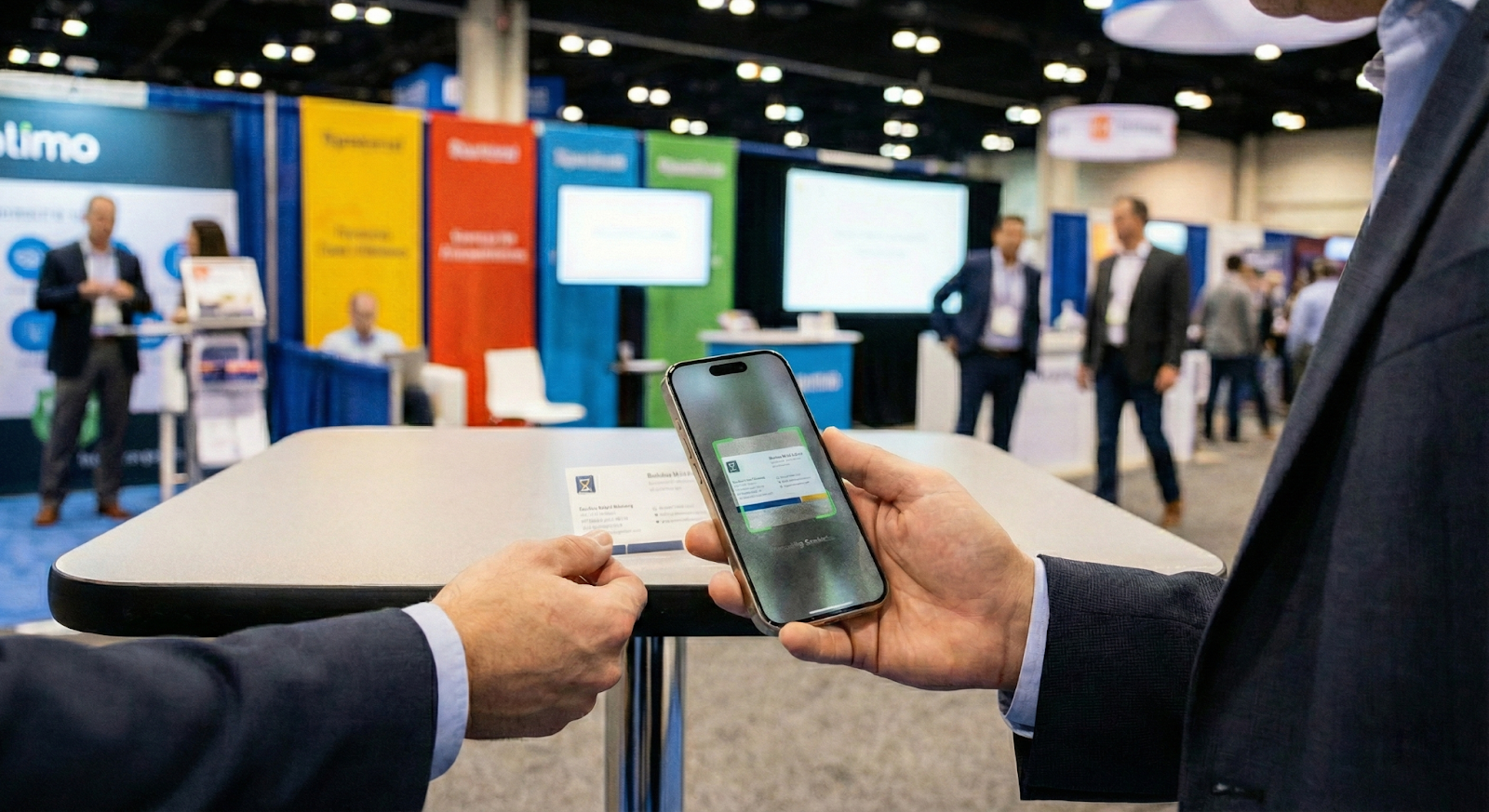
There are dozens of apps that can scan a card to a personal address book. However, sales teams need a solution that does more. They need a robust platform that integrates with company workflows, works offline without internet, and scales across the entire organization. Truly maximize ROI from events and networking, with the best business card scanner for iPhone that acts as a bridge to your CRM, not just a digital rolodex.
II. The Difference Between Individual Apps vs. Team Solutions
When searching for the “best iPhone business card scanner,” you will likely stumble upon popular productivity apps designed for individuals. Freelancers, solo consultants, or casual networkers are the main target. While these tools are great for managing a personal contact list, they often fail at the enterprise level.
For a Sales Manager or VP of Sales, relying on individual apps creates significant operational headaches. Here is why the “every rep for themselves” approach doesn’t work:
- Data Silos (The “Black Hole” Effect): When a sales rep scans a card into a standard app, that contact usually lives on their personal phone or iCloud account. If that rep leaves the company, those leads often go with them. A team-based solution ensures that every scan is immediately owned by the company. Centralize the data regardless of who captured it.
- Inconsistent Data Formatting: Without a centralized configuration, every rep will save data differently. One might save a lead as “John D,” another as “J. Doe – IBM,” and a third might skip the job title entirely. This lack of standardization makes CRM hygiene a nightmare, leading to duplicate records and messy reporting.
- Lack of Lead Qualification Context: This is the critical gap. A standard scanner captures who the person is (Name, Email, Phone), but it doesn’t capture what they need. Scanning a card doesn’t tell you if the prospect is ready to buy now, what their budget is, or which product they were interested in.
- The Result: Your follow-up email is generic (“Nice to meet you”) rather than specific and actionable (“Here is the pricing for the X-200 model you asked about”).
III. Key Features High-Performing Sales Teams Need
To turn an iPhone into a true sales tool, you need to look beyond basic photography. A camera app can save an image, but a sales tool saves time. Here are the four non-negotiable features for sales teams:
1. AI-Powered OCR Accuracy
Optical Character Recognition (OCR) has come a long way, but it is not perfect. The best apps use AI to not just “read” the text, but to understand it. They can distinguish between a job title and a company slogan. This ensures the data lands in the right fields automatically.
- Why it matters: If your reps have to manually correct every scan, they will stop using the app. High accuracy is the key to adoption.
2. Seamless CRM Integration
Data needs to flow from the trade show floor to your sales pipeline, instantly. You cannot afford to wait until the end of the week to export a CSV file.
- The “Speed to Lead” Reality: According to data cited by LeadAngel, responding to a lead within 5 minutes can increase conversion rates by up to 21x. Furthermore, 78% of buyers purchase from the first company to respond.
- The Fix: A team-based scanner must integrate directly with platforms like HubSpot, Salesforce or Excel, enabling automated welcome emails to go out before the rep even leaves the booth.
3. Offline Functionality
Convention centers are notorious for spotty Wi-Fi and overloaded cell towers. If your app requires an active internet connection to process a card, it becomes useless on a busy trade show floor.
- The Requirement: The best scanner must work offline, storing data locally on the iPhone and syncing it automatically once a connection is restored.
4. Scalable Configuration (Centralized Admin)
A Sales Operations Manager should not have to configure 50 different iPhones manually.
- The Efficiency Hack: The ideal solution allows for a “build once, deploy everywhere” setup. A manager configures the branding, custom fields, and CRM mapping once on a desktop. Then, when the sales team downloads the app, it is instantly configured to match the company standard.
IV. An All-Around Solution for Teams
OnSpot Social was built specifically to bridge the gap between physical interactions and digital data. It is not just a scanner; it is a complete lead capture platform.
These are some things a good business card scanner app should offer:
1. Intelligent AI Scanning & Formatting
Many business card apps struggle with complex card designs, often misidentifying a fax number as a mobile number or confusing a job title with a company slogan.
- The OnSpot Difference: OnSpot Social uses advanced AI to ensure contact info is not only captured but categorized and formatted correctly. The app intelligently parses data into specific fields (First Name, Last Name, Title, Company), ensuring your CRM data remains clean and actionable.
- Learn More: Explore our Business Card Scanner App features to see how we handle data accuracy and mobile lead capture.
2. Centralized Admin & “One-Time” Setup
This is a game-changer for Sales Directors. With OnSpot Social, you can configure the app for your entire company from a central admin. Customize the branding, set mandatory fields, and define where the data goes, to your liking.
- The Benefit: Your sales reps simply download the app, log in, and it is fully configured. No manual setup is required on their individual devices, saving hours of onboarding time.
3. Lead Qualification (The “Why” Beyond the “Who”)
Scanning a card tells you who the prospect is. OnSpot Social tells you why they are a qualified lead.
- Actionable Data: The app allows you to add custom lead notes and set up specific qualifying questions (e.g., “What is your budget?” or “When are you looking to buy?”) that pop up immediately after the scan. This context is what turns a cold contact into a warm opportunity.
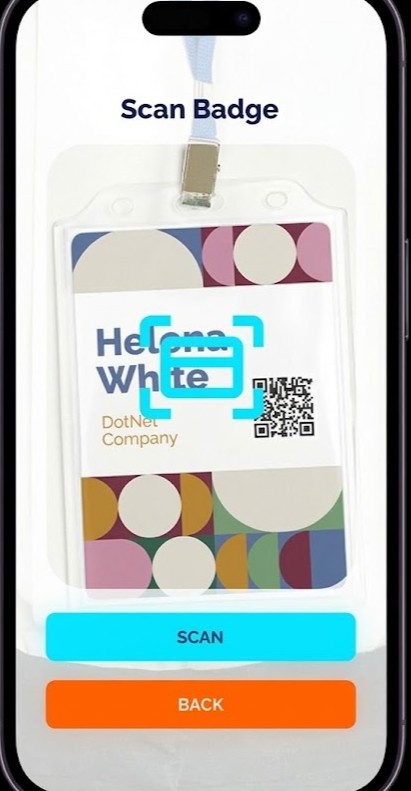
4. The Hybrid Advantage: Cards + Badges
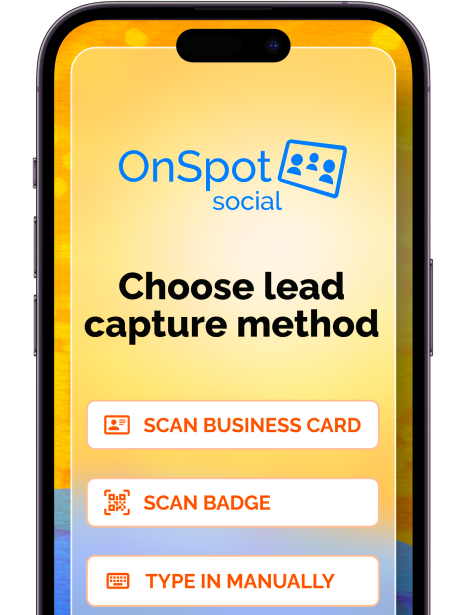
Most solutions force you to choose: bring a business card scanner or rent an expensive badge scanner from the event organizer. OnSpot Social does both.
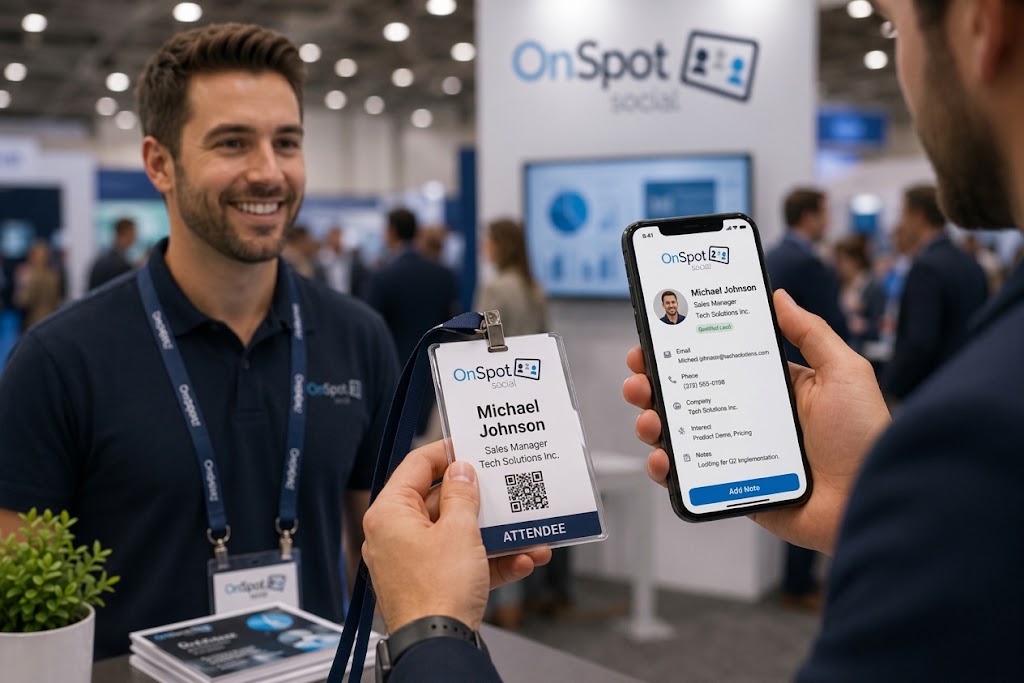
- Unified Stream: It gives your team the flexibility to scan trade show badges and business cards, consolidating all leads into a single stream. Whether it’s a casual networking event or a massive expo, your team is ready.
V. Comparison: OnSpot Social vs. Badge Scanners vs. Regular Apps
To visualize how OnSpot Social compares to renting hardware or using standard consumer apps, look at the breakdown below.
When you rely on event-provided hardware, you are often renting a generic scanner that lacks integration with your systems. And, when you rely on individual apps, you lack control. OnSpot Social sits in the “sweet spot” of enterprise capability and mobile convenience.
| Feature | OnSpot Social | Event Badge Scanners (Hardware) | Standard Card Scanner Apps |
| Setup & Configuration | One-time (Central Admin) | Manual pickup/return for every event | One-time (Individual) |
| Scans Cards & Badges? | Yes (Hybrid) | No (Badges only) | No (Cards only) |
| Offline Mode | Yes | Varies | Most do not |
| Lead Qualifying | Yes (Custom Questions) | Varies (Limited) | Most do not |
| Data Retrieval | Central Web Portal (Always accessible) | Formats differ per event | Limited/Individual Export |
| Management | Web-Based Dashboard | Yes | Most do not |
The Hidden Cost of Inconsistency
One of the biggest pain points for Sales Ops managers is data consistency.
- With Badge Scanners: Every trade show provider gives you a different CSV format. Column A might be “First Name” at one event, and “Name” at the next. This requires manual cleaning before import.
- With OnSpot Social: Your data format remains consistent for every single event, year-round. Whether you are at a show in Las Vegas or a mixer in London, the data enters your system in the exact same structure.
The Verdict
- Standard Apps are built for personal contacts.
- Hardware Scanners are built for high-volume, low-context scanning.
- OnSpot Social is built for qualified sales leads.
VI. Conclusion
For a solo networker, a simple $5 app might suffice. But for a sales team responsible for generating revenue, “good enough” is a risk.
To close deals faster, sales teams need an iPhone scanner that acts as a full lead capture platform—one that standardizes data, integrates with the CRM, and captures the context of the conversation, not just the contact details.
OnSpot Social offers the best of both worlds: the ease of a mobile app with the power of enterprise lead management. So, by consolidating business cards and event badges into a single, AI-powered workflow, you empower your team to focus on what matters most: selling.
Next Step: Are you ready to stop renting clunky hardware and start streamlining your lead capture? Start your free trial of OnSpot Social today and equip your team with the best tool for the job.
FAQ
What is the best way to scan business cards directly into a CRM? To scan cards directly into a CRM like Salesforce or HubSpot, you need a team-based solution rather than a standard personal app. A platform like OnSpot Social is designed to bridge the gap between physical interactions and digital data. It ensures that data flows instantly from the trade show floor to your sales pipeline, allowing for automated welcome emails to be sent before you even leave the booth, rather than waiting to export a CSV days later.
How can sales teams capture leads at trade shows without internet? Convention centers often have spotty Wi-Fi, making cloud-only apps useless. The best solution is an app that offers robust offline functionality. OnSpot Social allows your team to process cards and capture data locally on the iPhone even without an active connection. The data is stored securely and syncs automatically to your central database once an internet connection is restored.
Why is it risky for sales reps to use their own scanning apps? Allowing reps to use individual apps creates “Data Silos.” Leads often remain on personal iCloud accounts, meaning if a rep leaves, the leads go with them. Furthermore, it results in inconsistent data formatting (e.g., different naming conventions), which makes CRM hygiene a nightmare. A centralized solution like OnSpot Social ensures the company owns the data immediately and that all fields are standardized via a central admin configuration.
Can I use an iPhone app instead of renting a trade show badge scanner? Yes. While most solutions force you to choose between scanning cards or renting expensive hardware for badges, OnSpot Social offers a “Hybrid Advantage.” It consolidates lead capture into a single stream, allowing your team to scan both event badges and business cards using just their iPhones. This provides a unified data format for every event, avoiding the messy, inconsistent CSV files often provided by hardware rentals.
How do I qualify leads while scanning business cards? A standard scanner only captures contact info, missing the context of the conversation. To qualify leads effectively, you need a tool that captures the “why” beyond the “who.” OnSpot Social allows you to set up specific qualifying questions (e.g., “What is your budget?” or “When are you looking to buy?”) and add custom notes immediately after scanning. Therefore, this context turns a cold contact into a warm, actionable opportunity.