Introduction
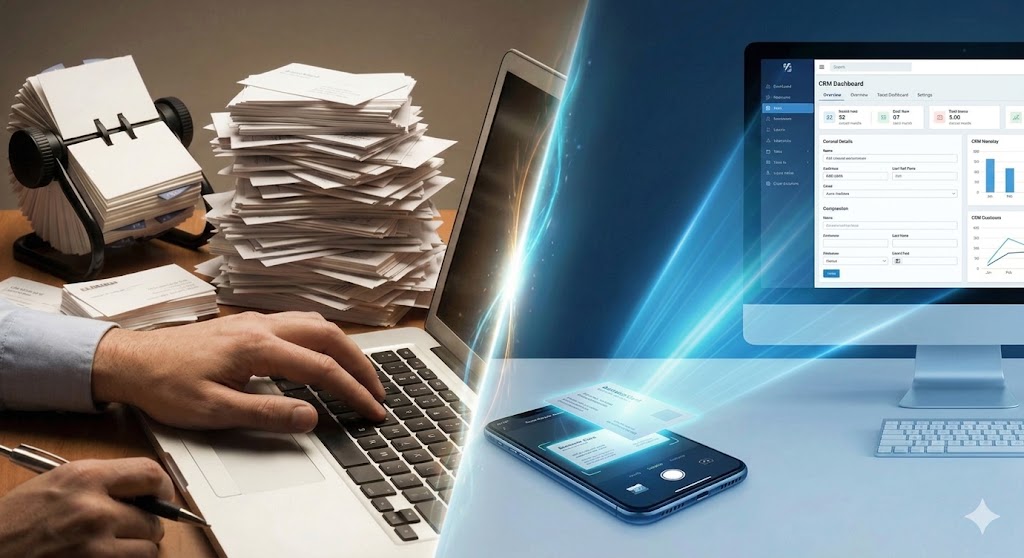
Picture this: It’s the Monday morning after a major industry trade show. Your sales team is back in the office, energized and buzzing with potential new deals. But on every desk sits a familiar, dreaded obstacle—a stack of paper business cards three inches thick.
Instead of hitting the phones or sending follow-up emails while the leads are hot, your top performers are hunched over their keyboards, manually typing names, titles, and email addresses into a spreadsheet. It is tedious, prone to typos, and frankly, a waste of talent.
Moving your lead capture process from paper to digital shouldn’t be a chore. By modernizing your team and using a business card scanner app, you can eliminate data entry bottlenecks and turn that stack of paper into actionable CRM data instantly.
The Hidden Costs of Manual Data Entry
We often think of manual data entry as just “part of the job,” but it carries a steep price tag that goes beyond simple boredom.
1. The Productivity Drain
Your sales team was hired to sell, not to be data entry clerks. Every hour they spend transcribing business cards is an hour they aren’t prospecting, nurturing relationships, or closing deals.
According to research by Salesforce, sales reps spend only about 28% of their week actually selling. The rest is consumed by administrative tasks and data management. Automating the intake of business cards is one of the fastest ways to reclaim that lost time and push that percentage up.
2. The “Speed-to-Lead” Problem
In sales, timing is everything. A lead is hottest the moment you shake hands. Every day a business card sits in a coat pocket or on a desk waiting to be typed up, that lead grows colder. A research by Havard has shown that firms that contact potential customers within an hour of receiving a possible query are “nearly seven times more likely to qualify a lead…as those that tried to contact the customer even an hour later — and more than 60 times as likely as companies that took over 24 hours or longer. Follow-up is everything in business, this article by Forbes reminds us of it.
Manual entry creates a natural delay—often called “data latency.” By the time the data finally hits your CRM days later, your competitor—who used a digital reader to sync the lead instantly—may have already booked the demo.
3. Data Decay and Human Error
Have you ever tried to decipher a prospect’s handwriting on a card or mistyped an email address after staring at a screen for two hours? Manual entry is a breeding ground for errors. A single typo in an email address essentially deletes a potential opportunity. Digital scanners minimize this risk by using OCR (Optical Character Recognition) to capture data exactly as it appears.
How to Use a Business Card Scanner App
If you are still picturing those clunky desktop scanners from the early 2000s, it’s time for an update. Modern business card readers live entirely on your mobile device and utilize sophisticated Optical Character Recognition (OCR) technology.
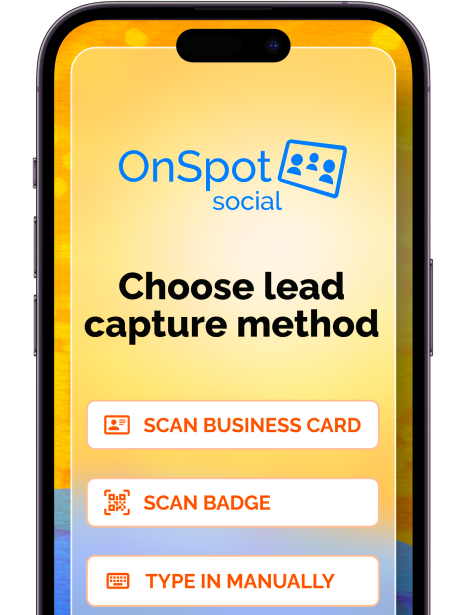
Here is the typical workflow for a sales rep using a tool like OnSpot Social:
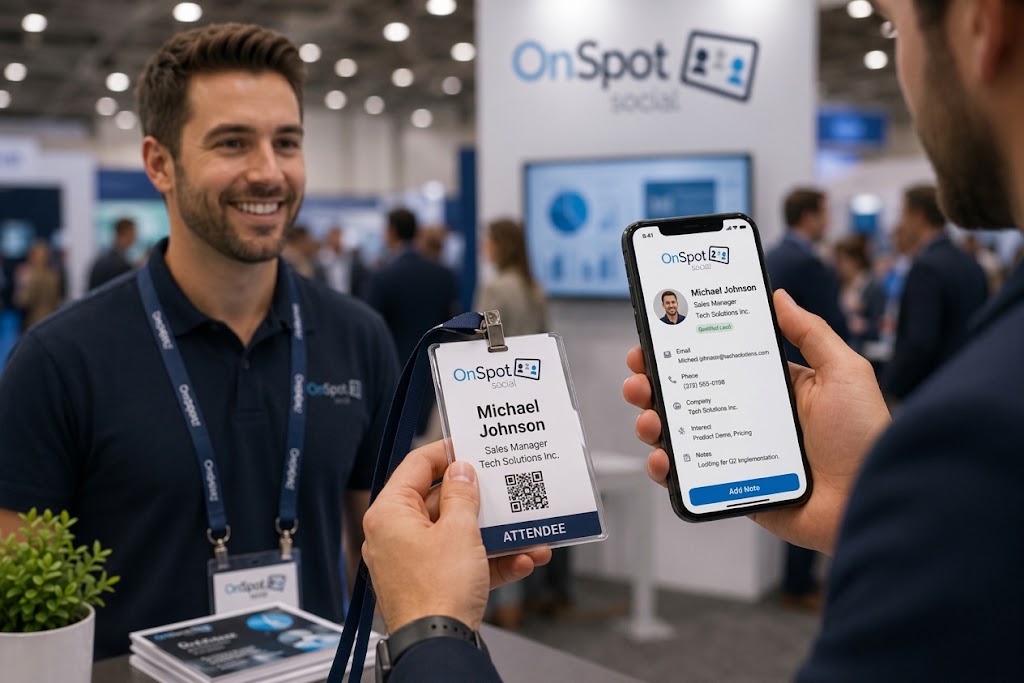
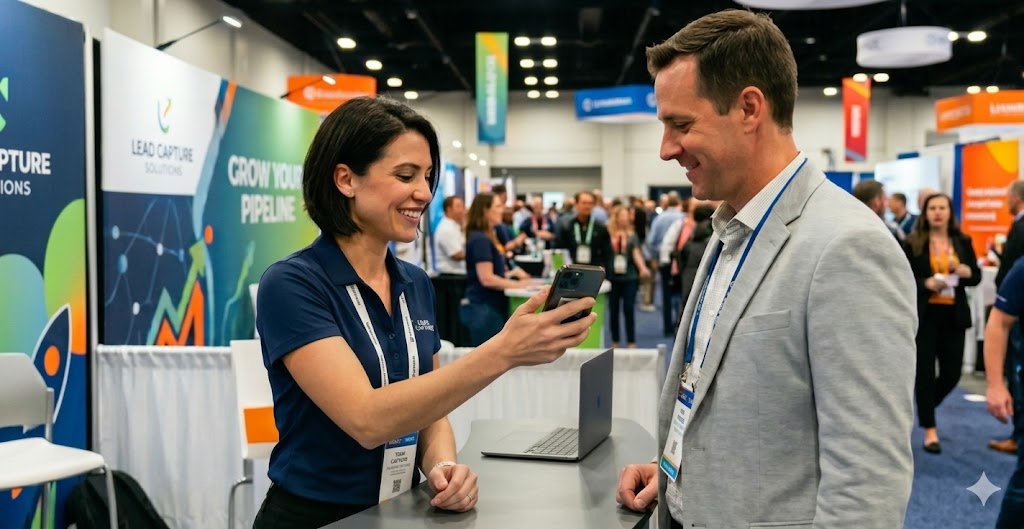
- Capture: The rep snaps a photo of the business card using their tablet or smartphone.
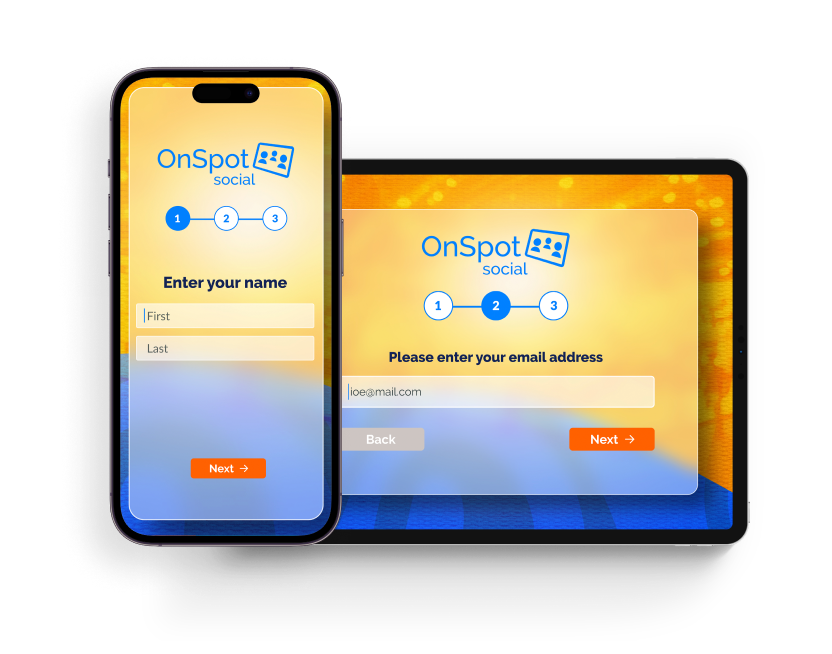
- Process: The app instantly “reads” the image, converting pixels into editable text (Name, Company, Email, Phone).
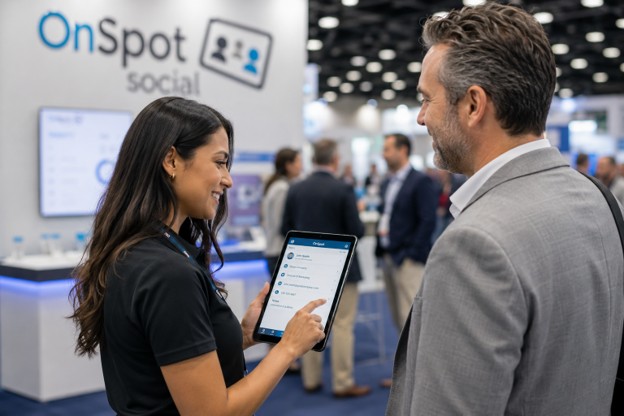
- Enrich: This is the crucial step most people miss. The rep adds notes or answers a few quick qualification questions right in the app to provide context.
- Sync: The data is automatically formatted and sent to your CRM or email marketing platform.
By digitizing the card immediately, you essentially streamline your event lead capture, collecting contact info with ease, ensuring no data is lost in transit between the trade show floor and the office.
Why Not All Scanners Are Created Equal
Not every app in the App Store is built for high-volume sales teams. While many “free” scanner apps work fine for saving a contact to your personal phone, they often fail in a professional trade show environment.
Here is how a dedicated B2B solution compares to generic apps and standard event badge scanners:
1. The “Hybrid” Advantage: Scanning Cards & Badges
At most trade shows, you will encounter a mix of attendees. Some will hand you a physical business card; others will only have an event badge.
- The Problem: Standard badge scanners provided by event organizers only scan badges. Generic mobile apps only scan business cards. This forces your team to juggle two different devices or processes.
- The Solution: Some tools, like OnSpot Social, can scan both business cards and badges. This “hybrid” approach allows your team to use a single device for every interaction, keeping all your data in one clean stream.
2. The “Offline” Reality
Anyone who has exhibited at a convention center knows the pain of spotty, expensive, or non-existent Wi-Fi.
- The Problem: Most generic scanner apps require an active internet connection to process images or sync data. If the Wi-Fi drops, your lead capture stops.
- The Solution: You need a system that works offline without internet. Your data should be stored securely on the device and synced automatically the moment you regain connectivity.
3. Beyond Contact Info: Lead Qualification
Saving a name and email is useful, but it doesn’t tell your sales team who to call first.
- The Problem: Generic apps just store contact info. They don’t tell you if the lead is ready to buy or just browsing.
- The Solution: A true sales tool enables Lead Qualifying. Your team can attach specific notes or answer preset questions (e.g., “Timeline to purchase?” or “Interested in which product?”) at the exact moment of the scan. This context is gold for your sales follow-up.

Integrating with Your CRM: The Holy Grail of Efficiency
Collecting data is only half the battle; the other half is getting that data into your sales pipeline where it belongs.
One of the biggest frustrations with renting physical scanners from event organizers is the lack of consistency. For every single trade show, you have to manually configure the device, download the data, and then spend hours formatting a CSV file to match your CRM’s specific fields. If the event provider changes, your data format changes, and the headache starts all over again.
A dedicated business card scanner app solves this through one-time integration.
- Set It and Forget It: A good business card scanner app allows you to set up the integration for once. Whether you are at a trade show in Las Vegas or a networking mixer in London, your data flows into your CRM using the same rules every time.
- Data Hygiene: According to HubSpot, bad data costs businesses time and money. By using a single app that enforces consistent formatting (e.g., First Name, Last Name, Job Title), you prevent “dirty data” from polluting your CRM.
- Instant Availability: There is no need to wait for the event organizer to email you a spreadsheet three days after the show closes. The data is accessible via your web portal immediately.
Step-by-Step: Implementing a Business Card Scanner Strategy for Your Team
Ready to ditch the paper stack? Here is how to roll out a digital strategy that your sales team will actually thank you for.
Step 1: Centralize Management
Choose a solution that offers a web-based dashboard. Unlike individual apps where data is trapped on a rep’s personal phone, a dashboard allows a sales manager to oversee the entire team’s activity. You can see who is scanning the most leads and ensure everyone is using the tool correctly.
Step 2: Map Your Fields Before the Event
Before your team hits the floor, configure your CRM mapping. Decide which fields are mandatory. Do you need to capture the “State/Region” for territory assignment? Do you need a “Notes” field for specific follow-up requests? Setting this up in advance ensures the data hits your CRM exactly how your automation tools need it.
Step 3: The “Scan and Qualify” Drill
Train your team on a new 30-second workflow:
- Exchange pleasantries and receive the card.
- Ask permission: “Do you mind if I scan this so I don’t lose your info?” (This shows professionalism).
- Scan the card.
- Crucial Step: While the prospect is still there (or immediately after they walk away), answer the lead qualification questions in the app.
Conclusion
In a sales environment where speed and personalization win deals, relying on paper business cards is an outdated bottleneck. It forces your highest-paid employees to do low-value data entry and delays the critical first follow-up.
By switching to a purpose-built business card reader, you aren’t just saving time; you are standardizing your data, securing your leads, and empowering your team to focus on what they do best: selling.
Stop typing and start closing. Equip your team with the OnSpot Social business card scanner app today and turn your next event into a revenue-generating machine.
If you’re ready to elevate your sales process and make the most out of every networking opportunity, try OnSpot Social today with a FREE trial. Experience how it can transform your sales team’s workflow and help you stay ahead of the competition.
Manual data entry creates a significant productivity drain, turning high-value sales reps into data entry clerks. Research shows that salespeople spend only about 28% of their week actually selling, with the rest consumed by admin tasks. Furthermore, manual entry introduces “data latency,” delaying follow-up and allowing leads to go cold before they even reach your CRM.
Speed is critical in sales. Research indicates that firms contacting potential customers within an hour of receiving a query are nearly seven times more likely to qualify the lead compared to those who wait just one hour. Waiting 24 hours or longer makes companies more than 60 times less likely to qualify the lead.
Yes, but not all of them. While many generic apps require an active connection, dedicated B2B solutions like OnSpot Social are designed for the “offline reality” of convention centers. They allow you to scan cards and badges offline, storing the data securely on the device and automatically syncing it to your CRM once Wi-Fi is available.
Typically, event organizers provide badge scanners that only read badges, while generic mobile apps only scan paper business cards. This forces teams to juggle two devices. A “hybrid” solution allows your team to use a single app to scan both physical business cards and event badges, keeping all data in one streamlined workflow.
Using a dedicated business card scanner app allows for “Set It and Forget It” integration. You can map your fields (e.g., First Name, Job Title) once, and the app will enforce consistent formatting for every scan. This prevents “dirty data” from polluting your system and ensures leads are instantly available in your sales pipeline without manual CSV formatting.